Deal details
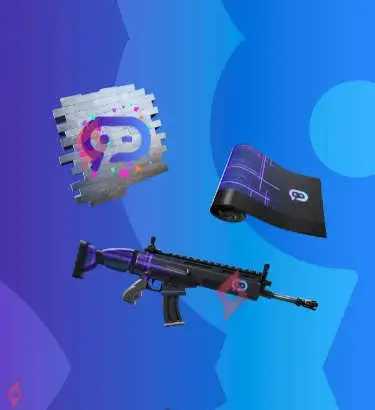
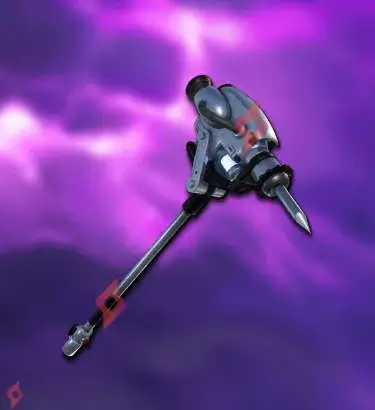
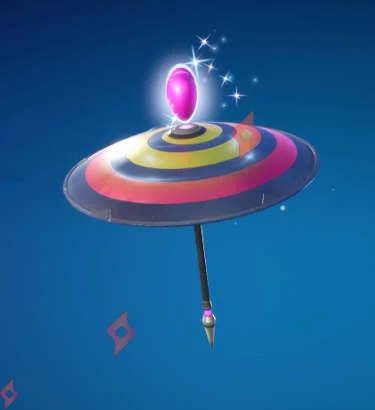
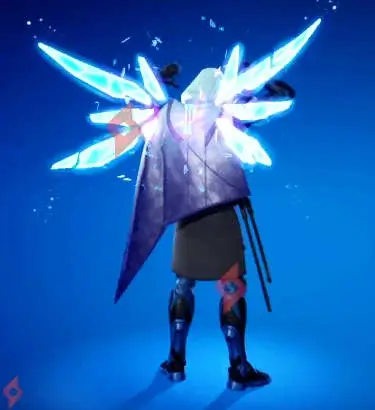
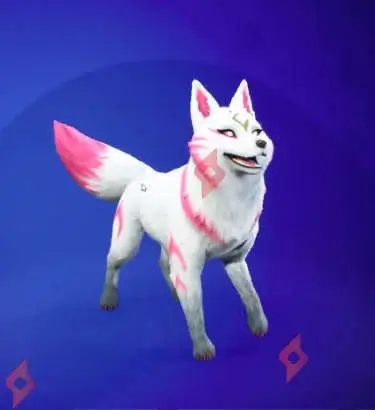
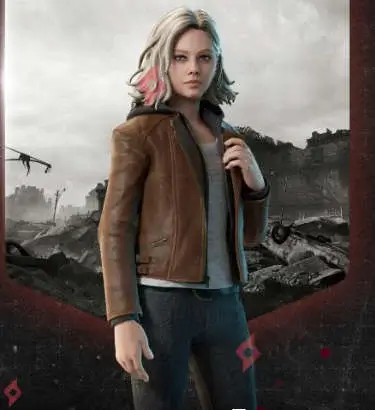
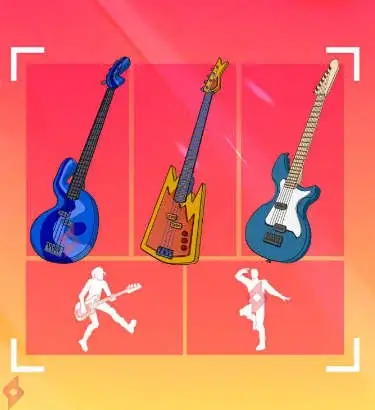
A brand-new PlayStation Plus offer has just arrived in Fortnite, and it comes with a premium music-themed pack completely free for all subscribed players. This exclusive bundle lets you unlock several rare instruments and musical emotes, perfect for customizing your style in Festival/Rhythm modes or even in Battle Royale.
🎁 PLAYSTATION PLUS FREE PACK
✅ Cascade Guitar
✅ Blues Groove Bass
✅ All Fired Up Bass
✅ Bass Overload Emote
✅ Hypnotic Drumsticks Emote
🎯 HOW TO GET THE FREE SOUND CHECK PACK
✅ Blues Groove Bass
✅ All Fired Up Bass
✅ Bass Overload Emote
✅ Hypnotic Drumsticks Emote
🎯 HOW TO GET THE FREE SOUND CHECK PACK
1️⃣ Turn on your PlayStation and head to the PlayStation Store.
2️⃣ Search for “Fortnite – PlayStation Plus Sound Check Pack”.
3️⃣ Make sure your PlayStation Plus subscription is active (any tier works).
4️⃣ Click Download to add the pack to your account for free.
5️⃣ Launch Fortnite once the installation is complete.
6️⃣ Your items will automatically appear in your Locker, under the Guitars, Basses, and Emotes sections.
7️⃣ Equip them from your Locker and use them in any game mode.
8️⃣ Enjoy your new exclusive musical cosmetics before the offer ends.
📆 DATE
Available now and expires on February 10, 2026.
❓ FREQUENTLY ASKED QUESTIONS
❓ 1. Do I need to pay anything to get the Sound Check Pack?
Not at all. The pack is 100% free as long as you have an active PlayStation Plus subscription. No additional purchases are required, and once claimed, the items are yours permanently.
Not at all. The pack is 100% free as long as you have an active PlayStation Plus subscription. No additional purchases are required, and once claimed, the items are yours permanently.
❓ 2. Can I get this pack on Xbox, Switch, or PC?
No, this is a PlayStation Plus exclusive, available only on PS4 and PS5. Even if your Fortnite account is cross-platform, the pack must be claimed directly from a PlayStation console.
❓ 3. Will the items disappear after the offer ends?
No. Once you’ve claimed the pack, all items remain in your Locker forever. Only the claiming period is limited.
❓ 4. I don’t see the items in my Locker after downloading, what should I do?
This can happen sometimes. Restart Fortnite and log back into your Epic Games account. As long as the pack was downloaded from the PlayStation Store, the items should appear automatically.